As an employee that drives a desk, you may find yourself wanting to log into the deskphone that's at your desk and use a Zoom handset instead of just the software.
If a handset says something other than the name you want it to you simply need to learn how to log into a phone in zoom.
If you don’t see the guest button on a phone, please let us know by sending a picture of the bar code on the bottom of the phone to helpdesk and we can get that added in a few minutes.
On the phone - press the guest button
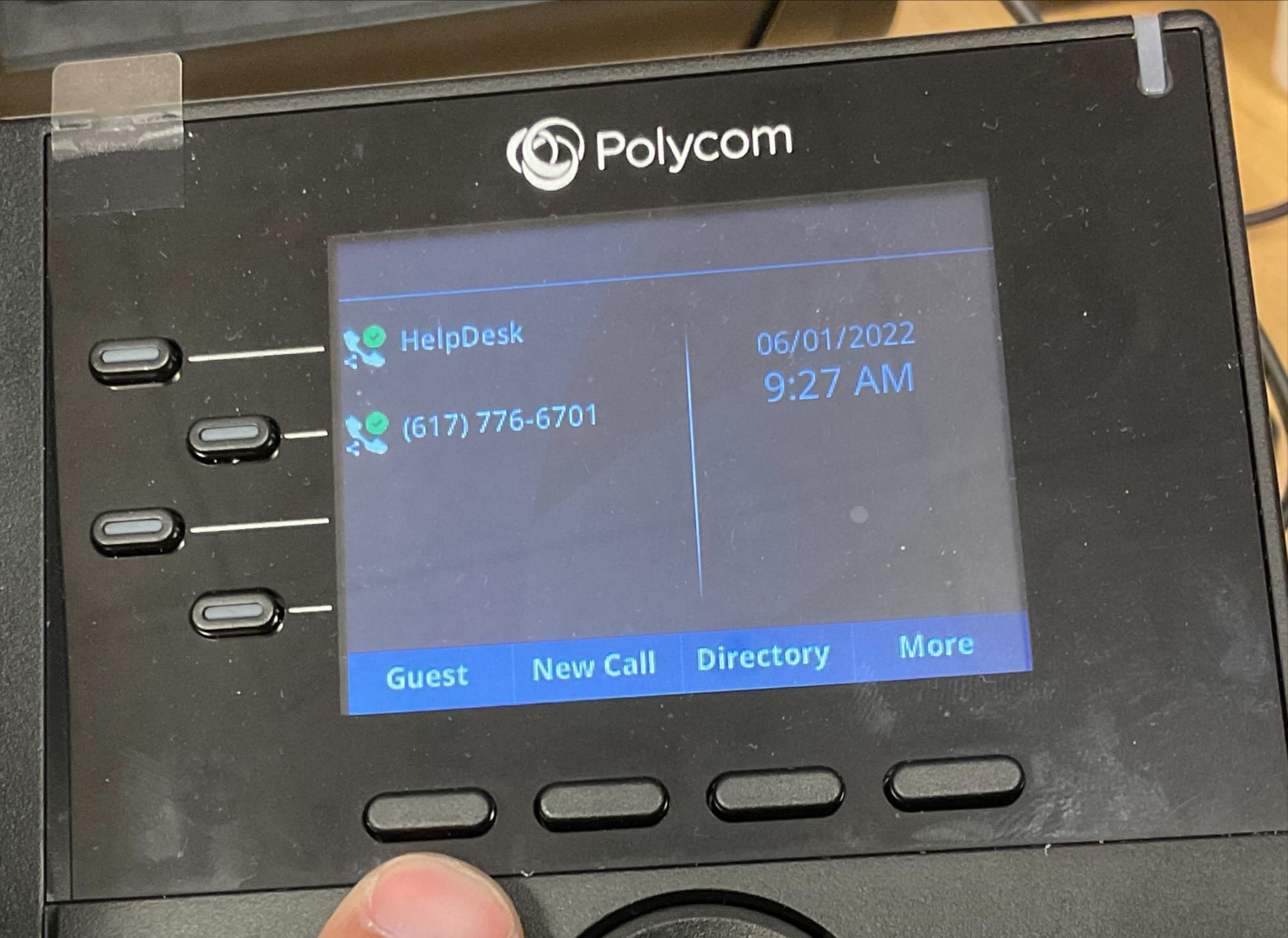
Enter your extension (the full number - site code + 3 digits) followed by #
In my case, 97374#
Enter your pin
If you do not know your pin, go to https://mswalker.zoom.us and sign in then authenticate via DUO
Then navigate to phone then settings
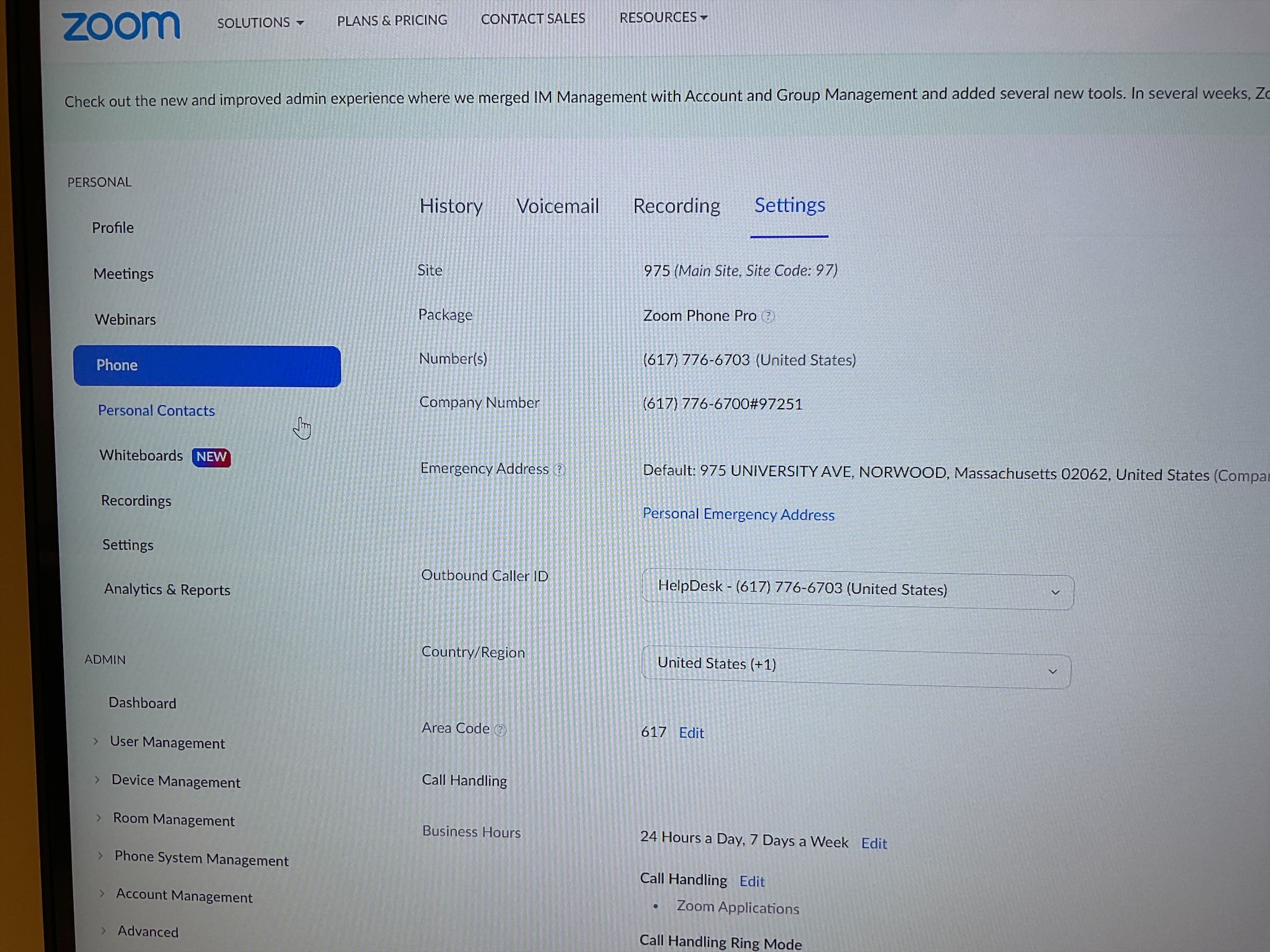
From the settings area, scroll down about 2/3 of the way to the deskphone section and click on pin code - view or edit
The phone will reboot and you will be assigned to that extension for the next 8 hours.
0 Comments