Follow the steps below to save a PDF in Adobe.
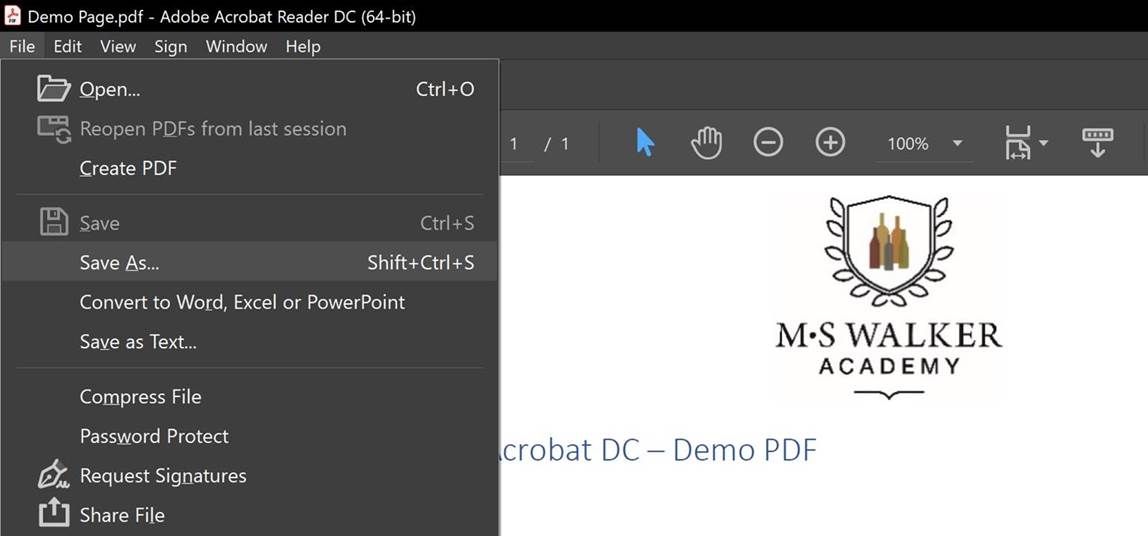
When you are performing the Save As step as seen below:
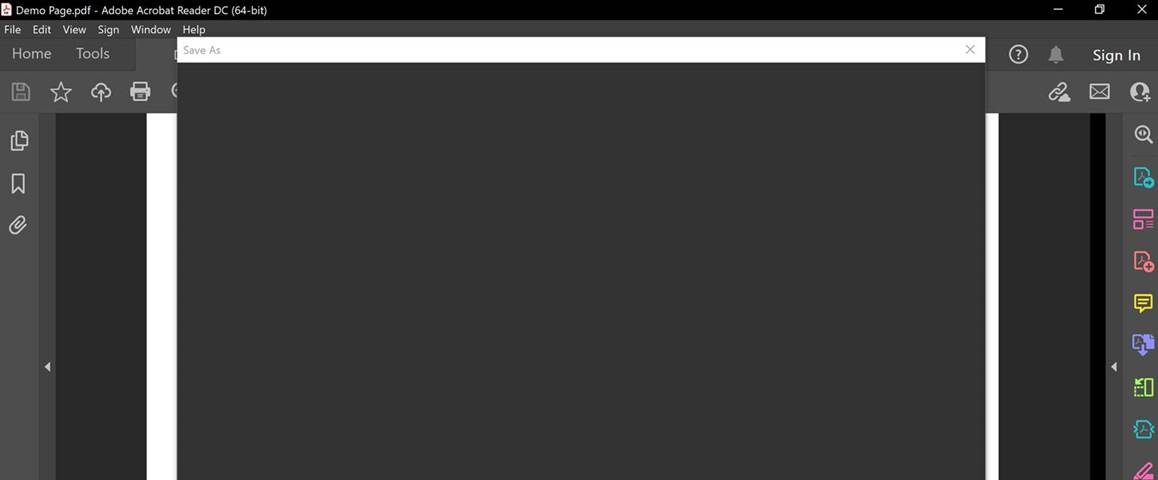
You will get this blank box:
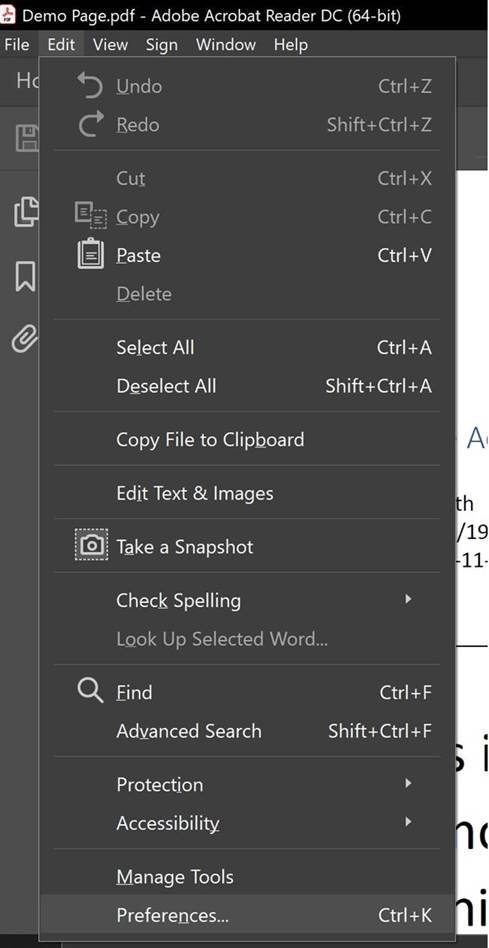
To fix this, go to Edit, then click on Preferences as illustrated below:
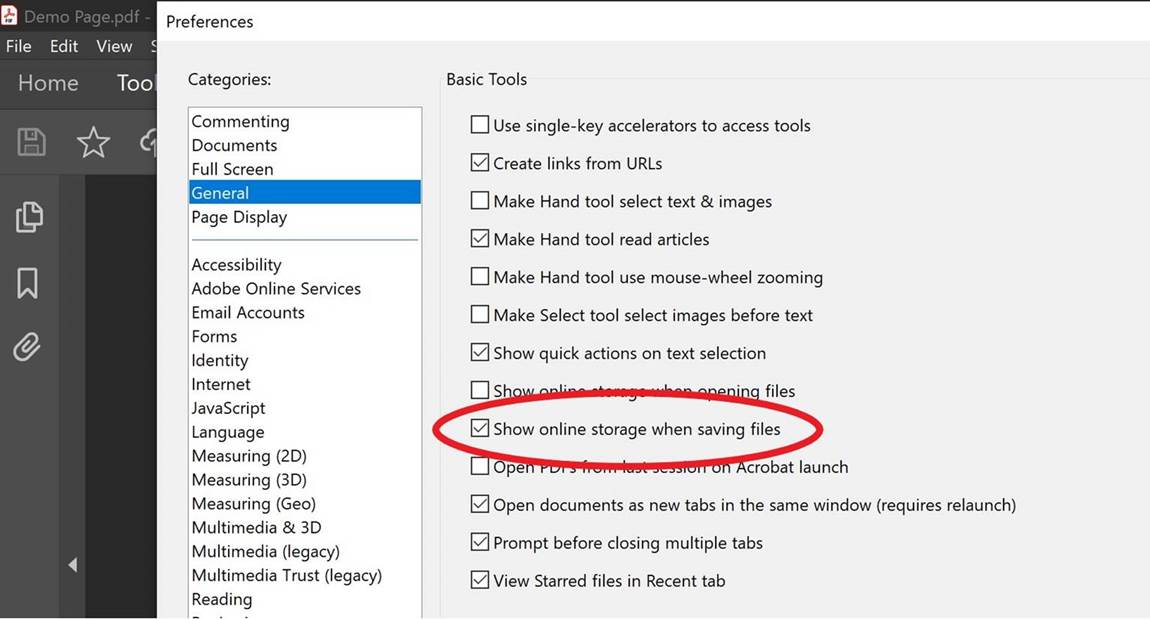
The following box will pop up, under Categories, click on General. In the Basic Tools section, uncheck the “Show online storage when saving files” box that is circled in red.
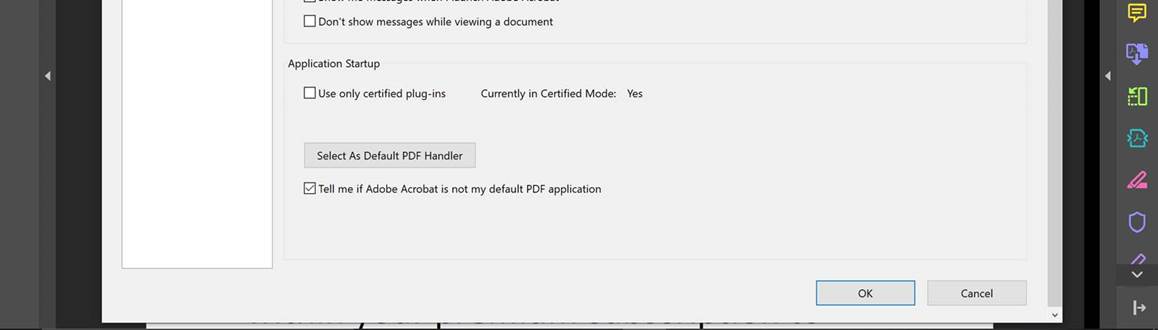
Once that is unchecked, scroll down and click on OK:
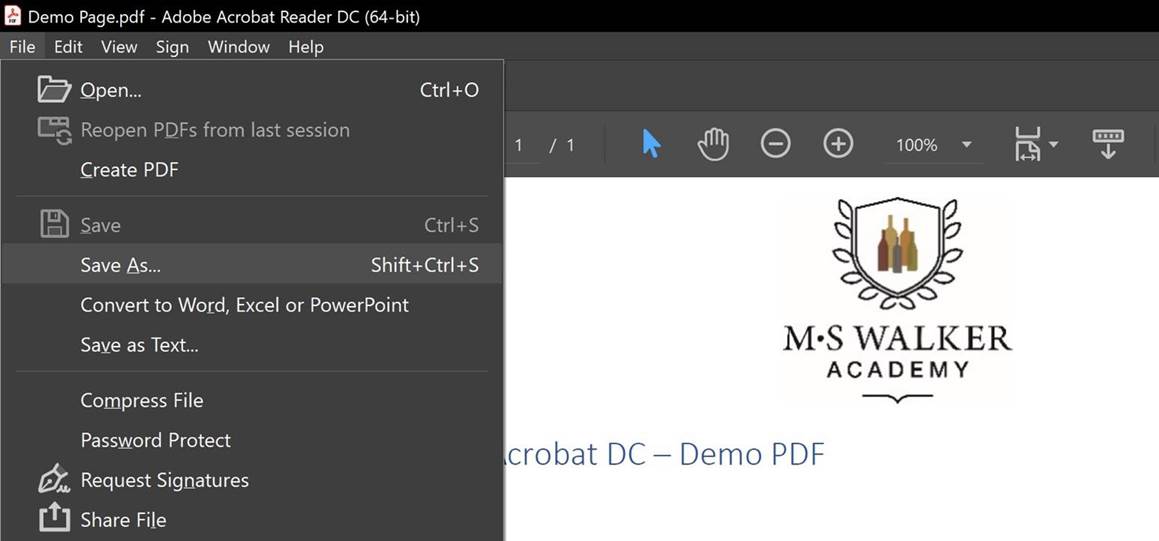
When you go back to File, Save As:
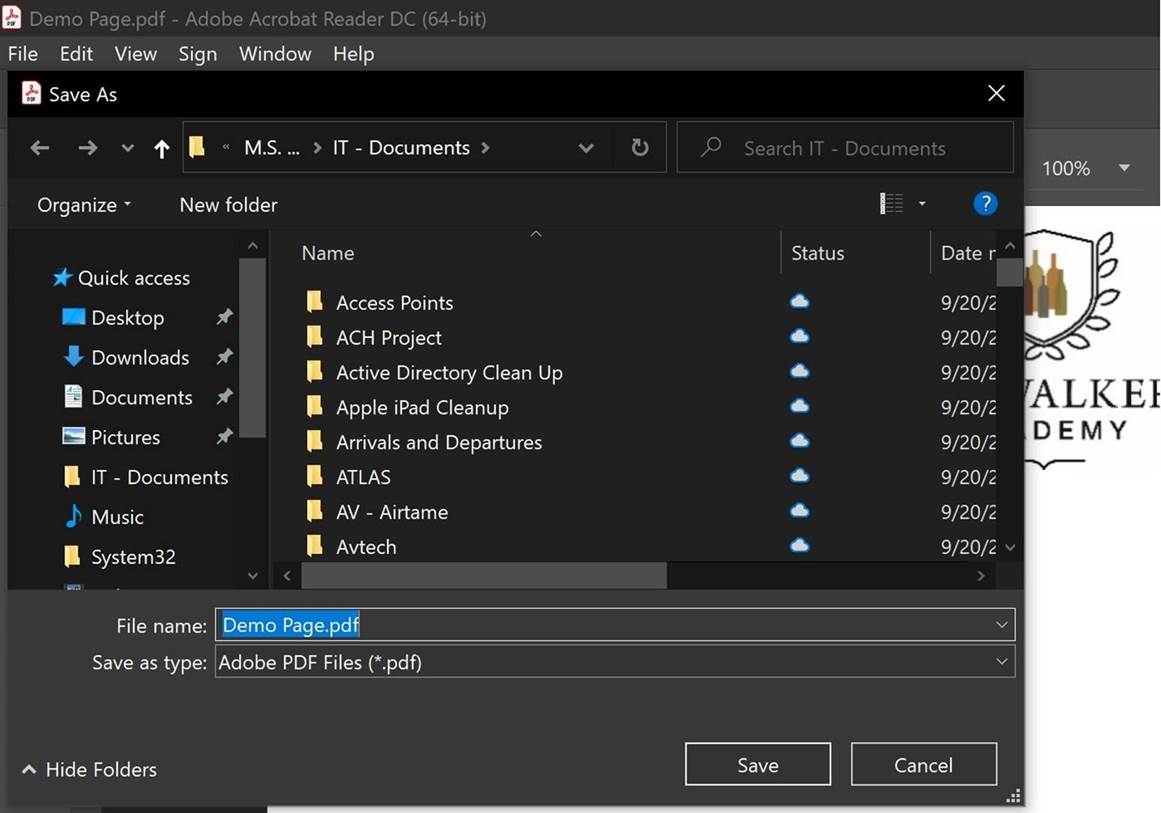
You will notice the Save As box pops back up and you can select where you want to save it to:
0 Comments