Often times when you change your password in one of the buildings, then go home and try to connect to the VPN you get the following message:
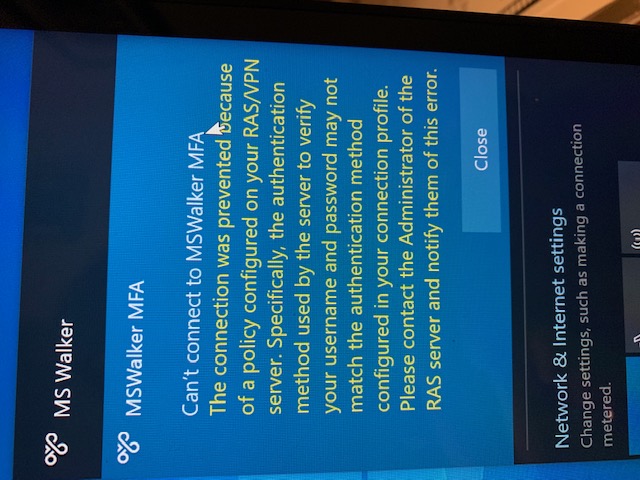
To fix this problem complete these next steps.
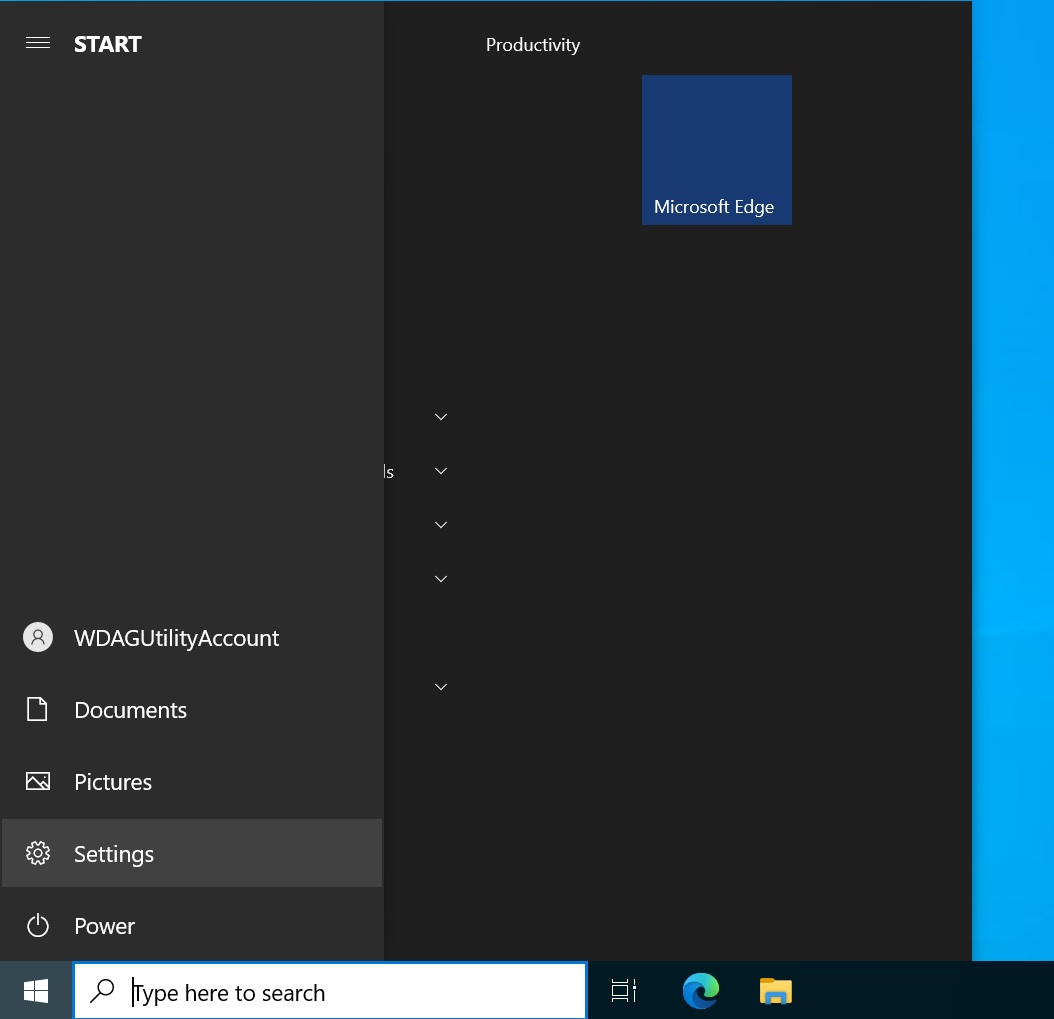
Click on Start, then Settings:
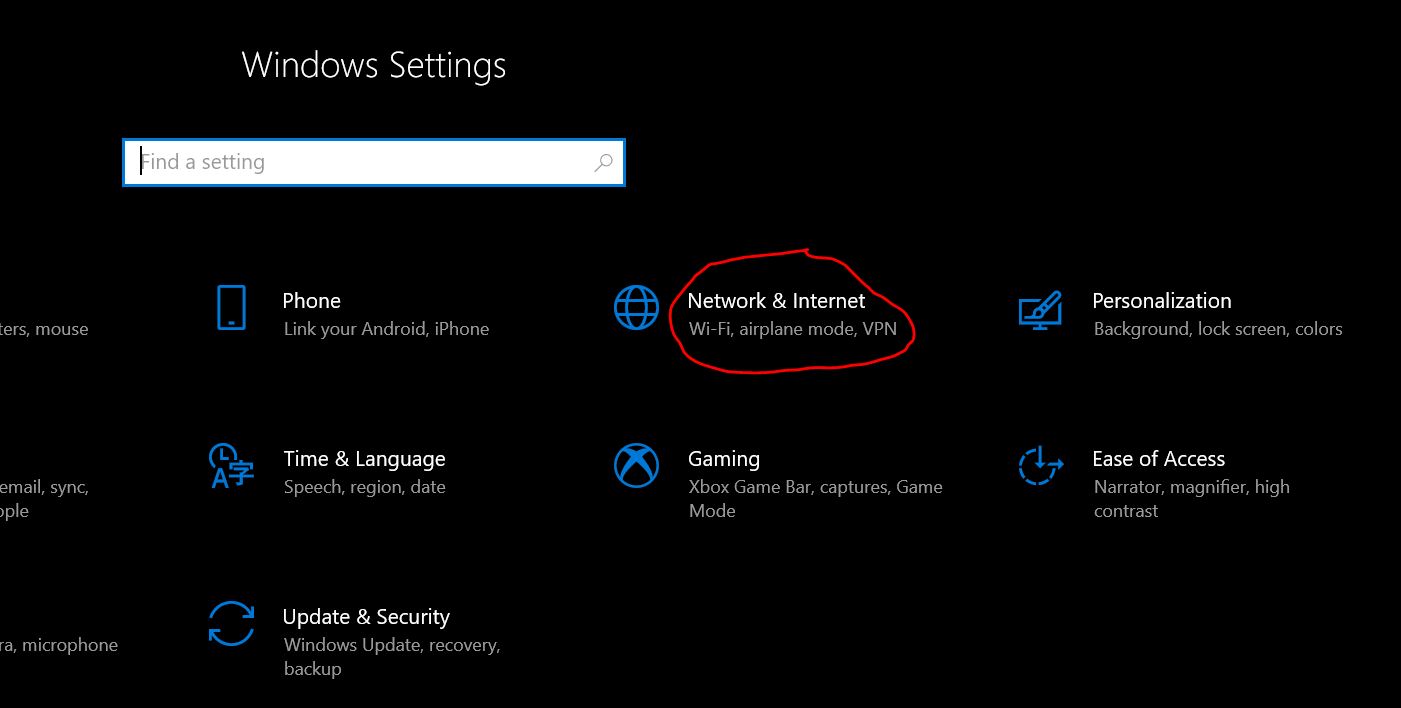
The Settings window will pop up, then click on Network & Internet:
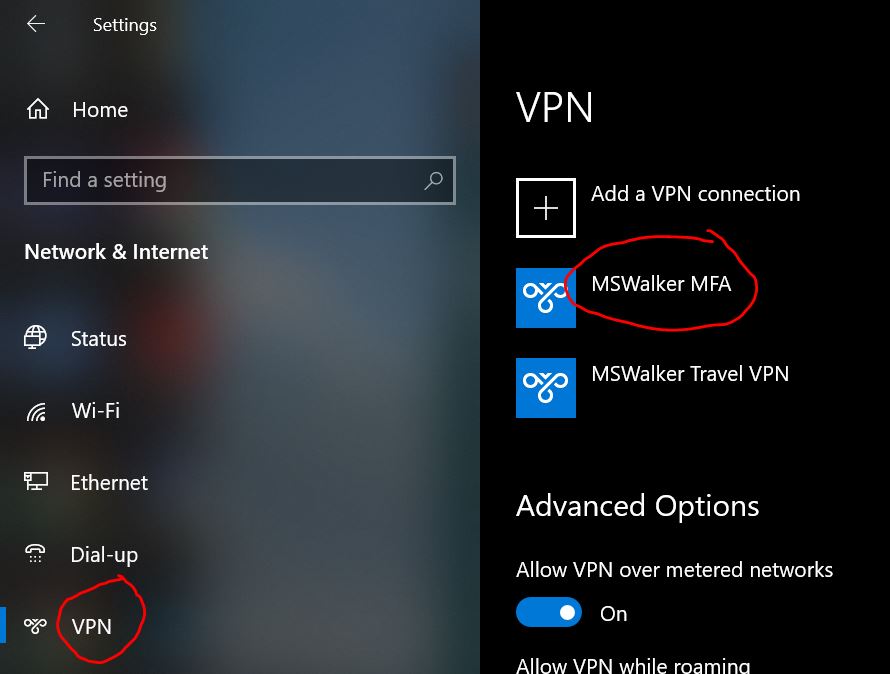
Click on VPN on the left hand side, then click on MSWalker MFA, then Advanced options:
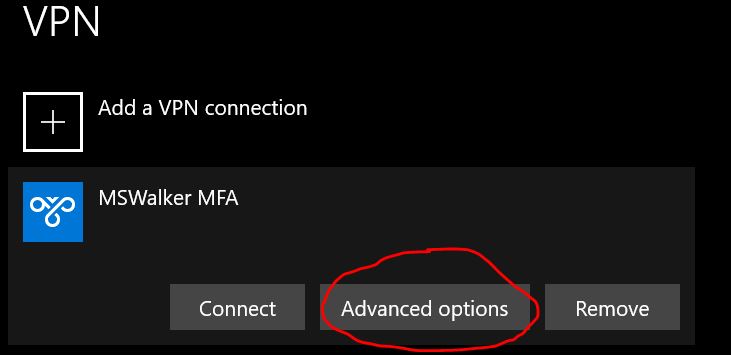
On the following window, click on "Clear sign-in info" a few times:
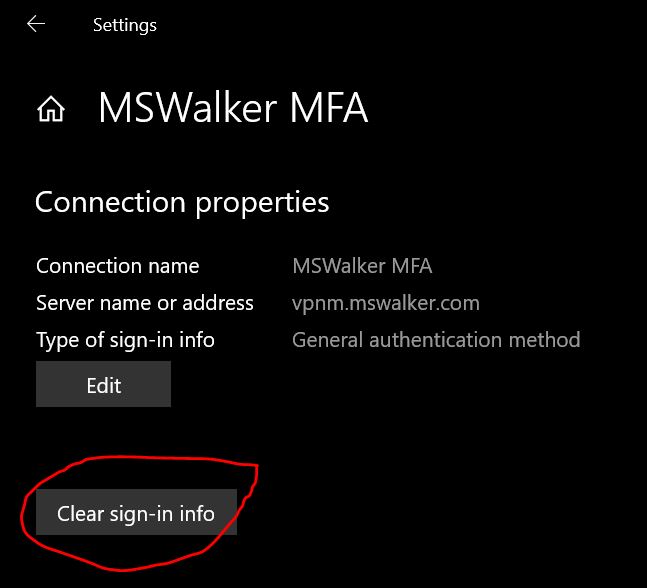
After that try to connect to MSWalker MFA again, put in your email address and password and then accept the DUO push notification and you should be connected.
0 Comments